Connect notes to your calendar, and keep everything together.
See Google Calendar events, check off tasks, and link the notes you need to each event. No complicated setup required.
HOME DASHBOARD
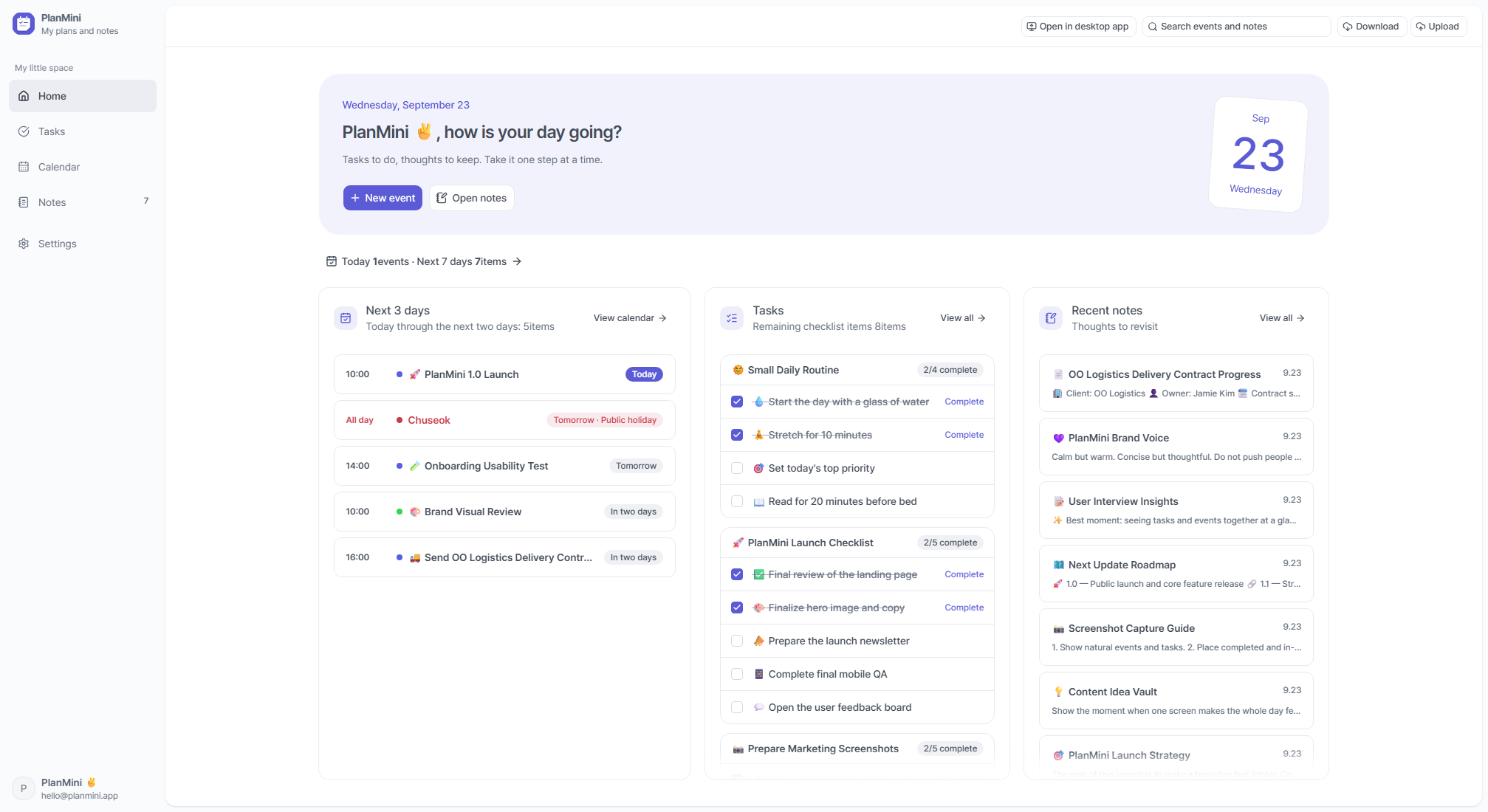
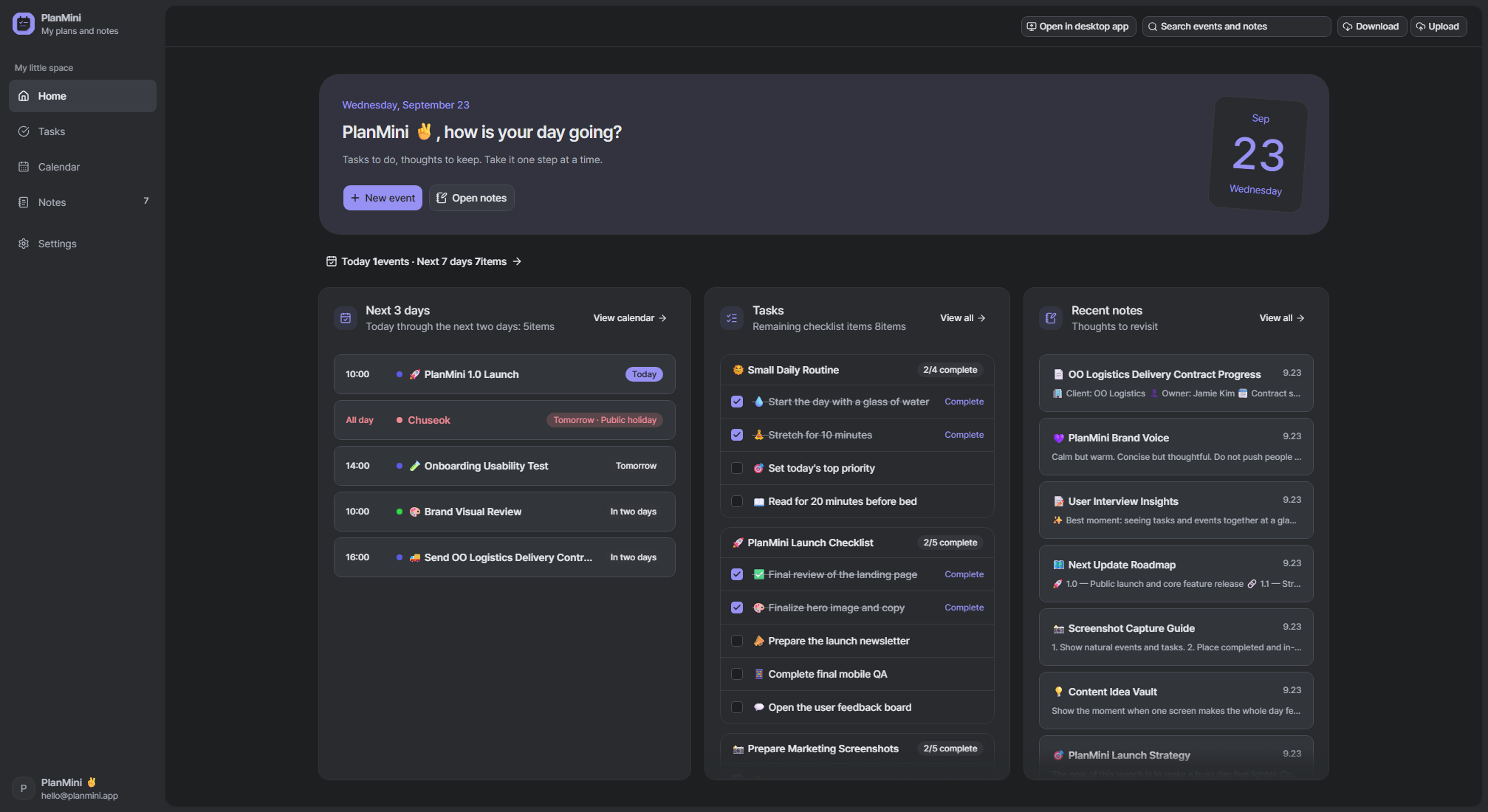
See your day at a glance.
Upcoming events, task progress, recent notes and sync status. A clear starting point for your day.
Calendar
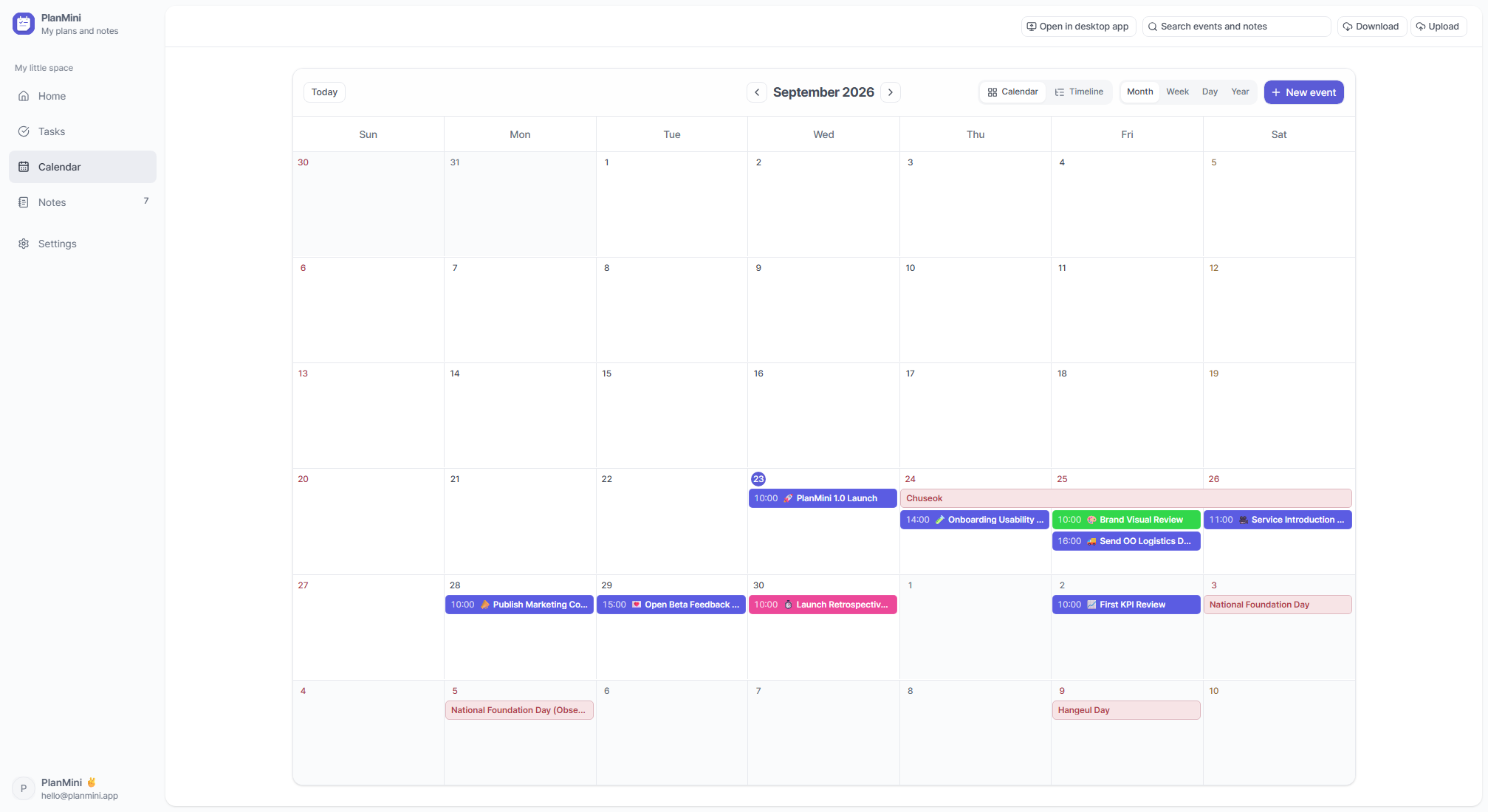
Your schedule, without the clutter.
Make room for appointments, all-day plans and recurring events. Keep them together with Google Calendar.
- Month, week, day and year views
- All-day events, repeats and colors
- Google Calendar sync
Tasks
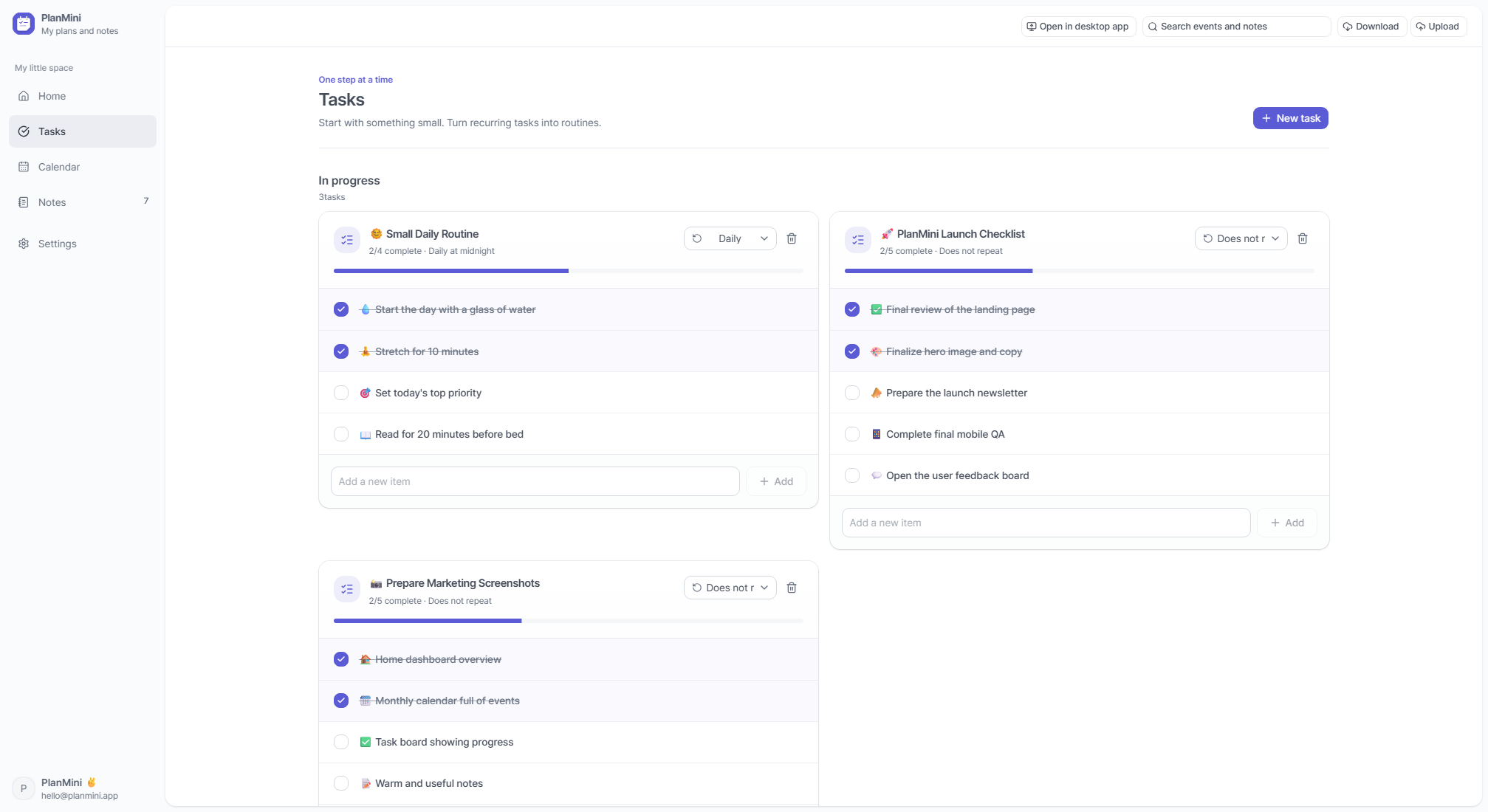
Small tasks. Simple routines.
From a glass of water to this week’s errands. Check things off and turn the everyday ones into routines.
- Separate checklists
- Progress at a glance
- Daily and weekly routines
Notes
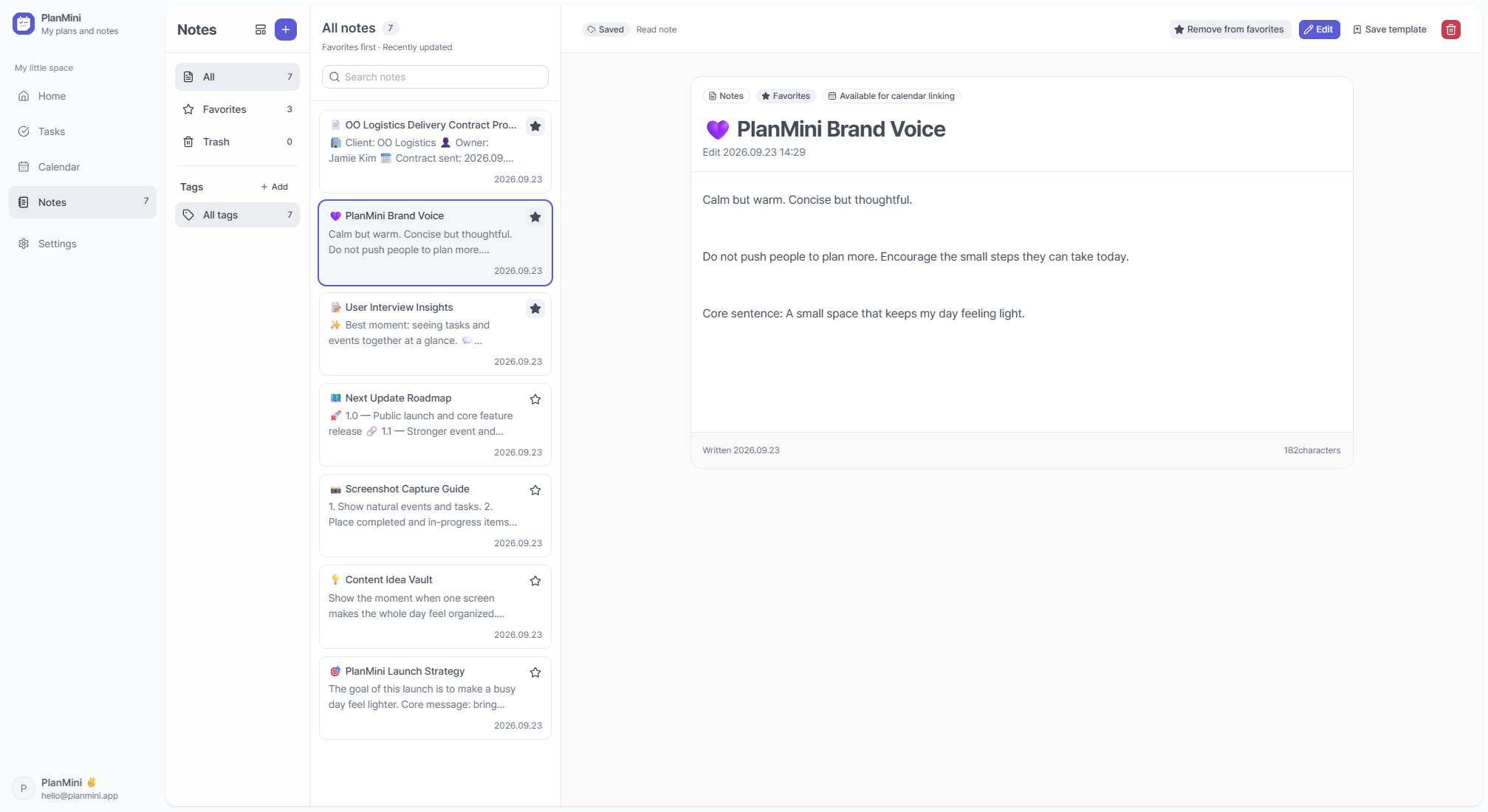
A place for the details.
Keep a quick thought or a meeting note with tables and images. Favorites and tags help you find it again.
- Rich text, tables and images
- Favorites and tags
- Notes linked to events
CALENDAR + NOTES
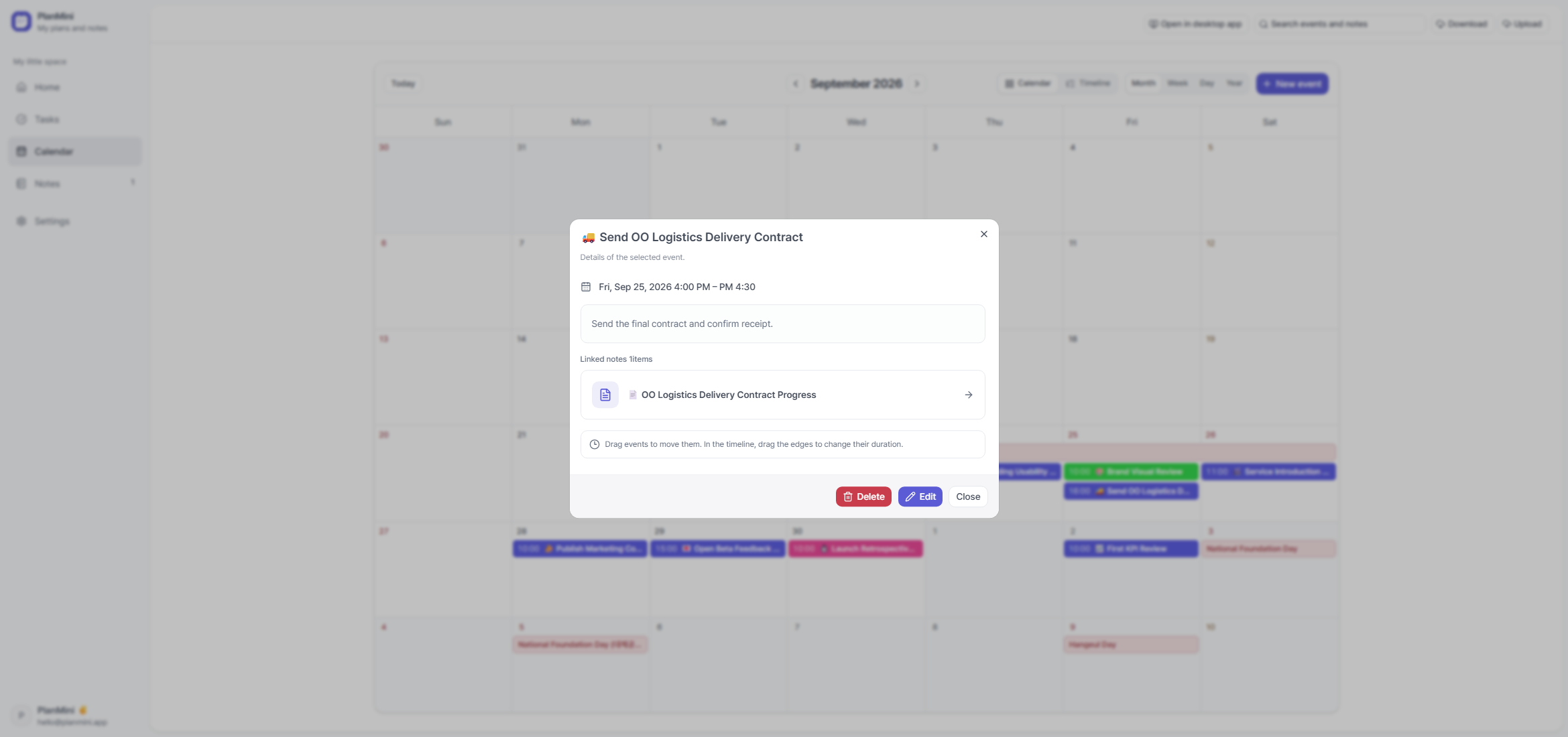
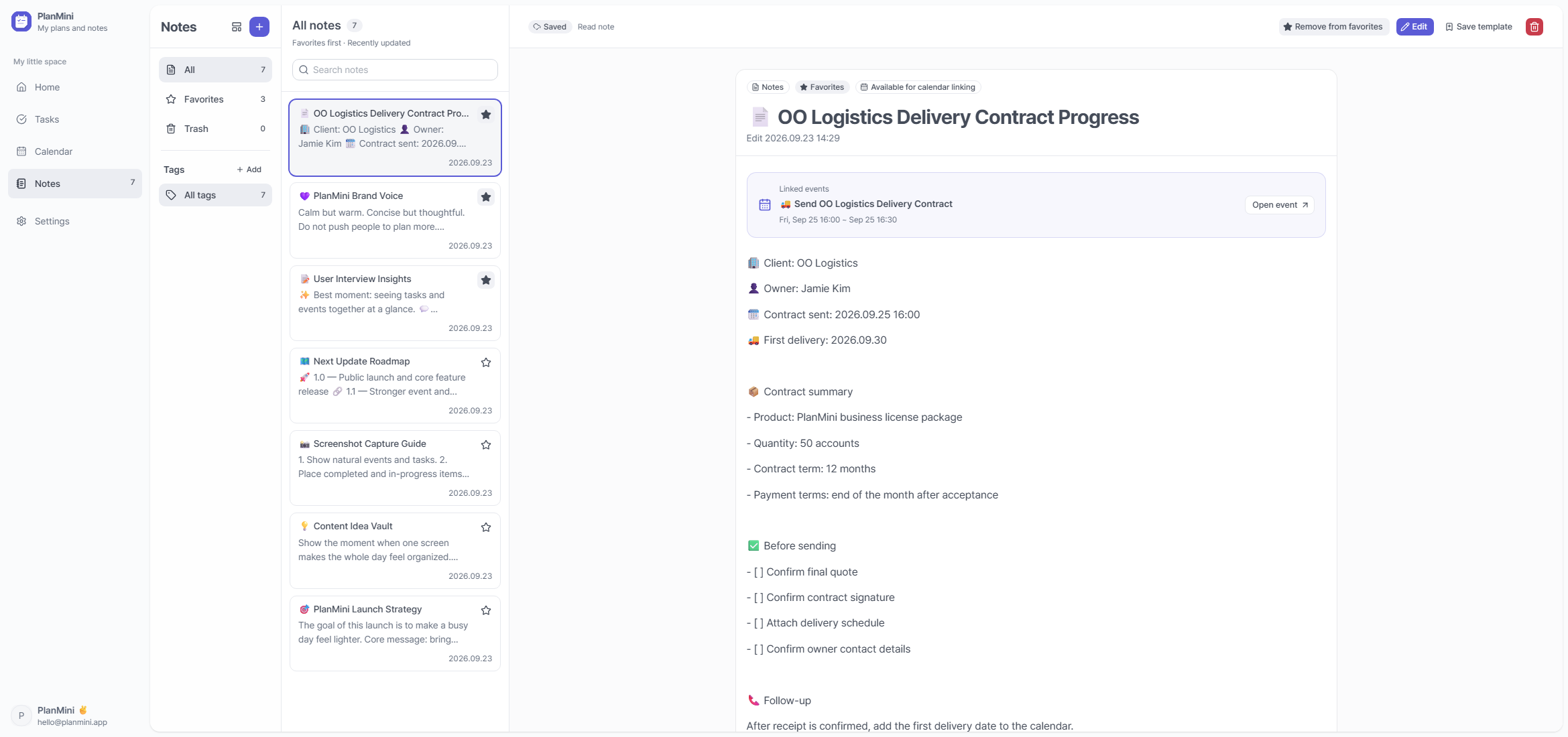
Connect the details to the moment.
Link your delivery notes to “Send the contract.” When the moment comes, the details are right there.
NOTE TEMPLATES
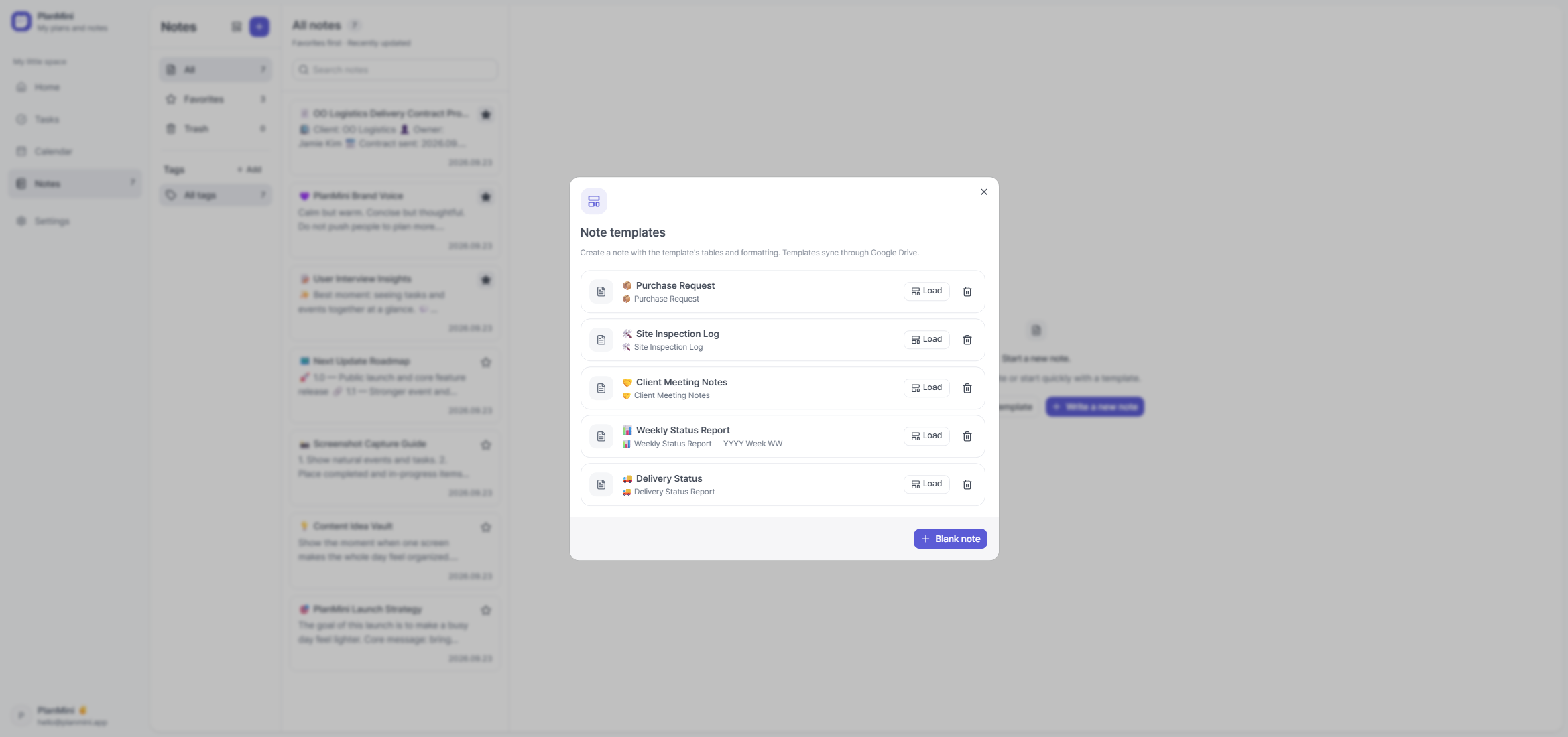
Write once. Reuse anytime.
Meeting notes, weekly reports, inspection logs. Save the structure and make room for what’s new.
WITH YOUR GOOGLE ACCOUNT
Built around the tools you already use.
Your schedule stays with Google Calendar. Notes, tasks and attachments stay connected through Google Drive. Use the same account and workspace on each device.
 Google Calendar
 Google Drive
Your Google password is never stored. Sync needs an internet connection and a Google account.
AT HOME ON YOUR DESKTOP
Your own space on your own computer.
Keep everyday notes close by, with local backups and tools for moving to another PC.
MAKE IT YOURS
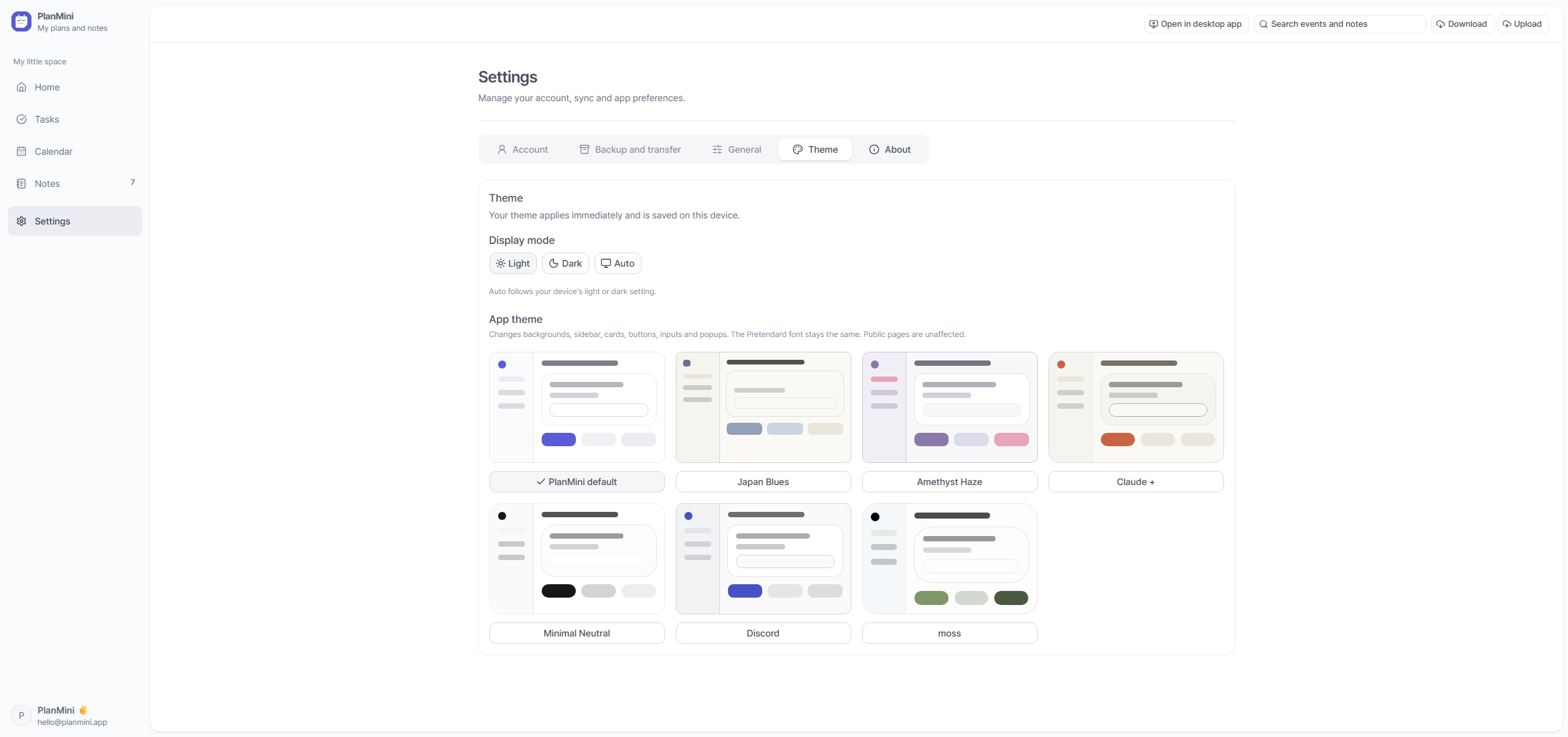
Make PlanMini feel like yours.
Light, dark, or in step with your system. Pick a theme that feels comfortable to come back to.
START SMALL
Start with one thing for today.
You don’t need a whole new system. Just write down whatever is on your mind.